To create order manually:
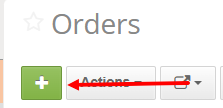
Open Orders page -> Create new Order
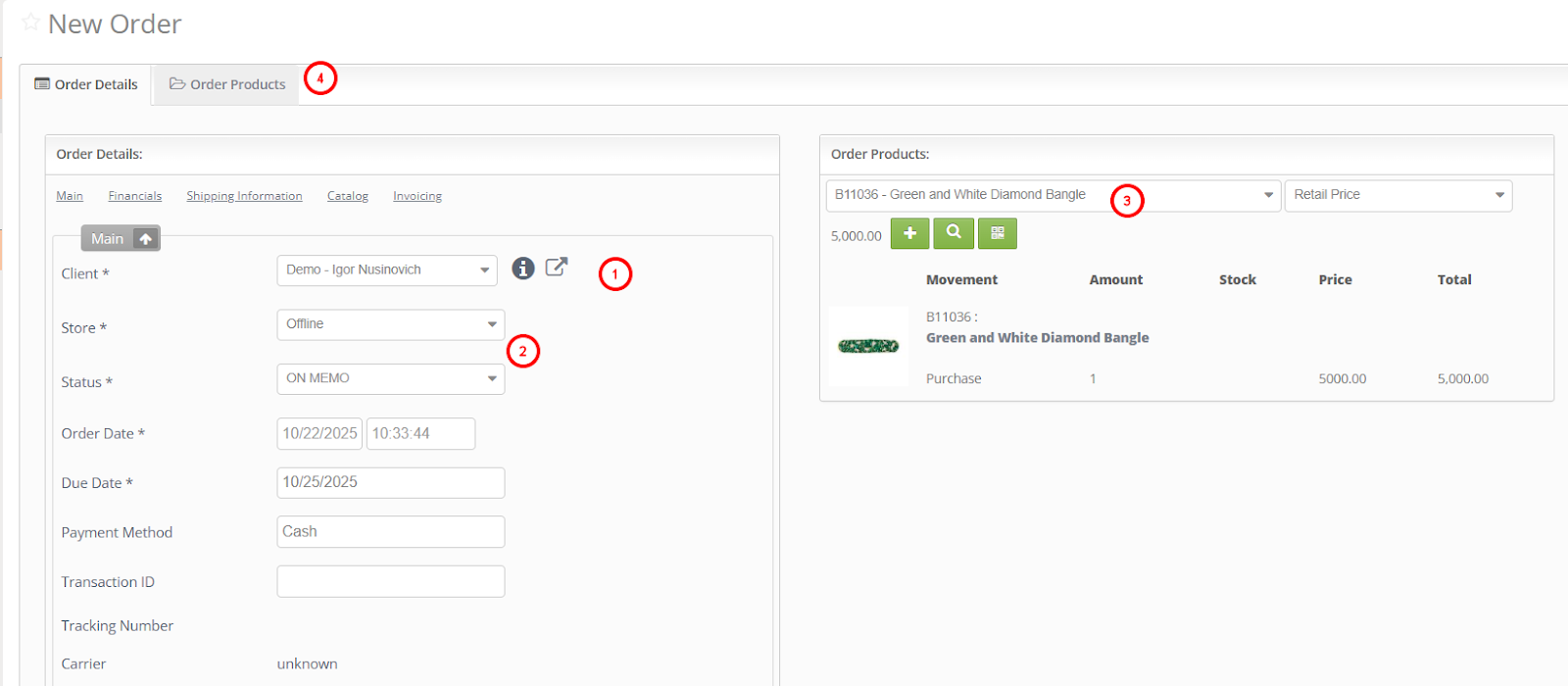
Set relevant Order status
Enter Order Details
Add products. Search by SKU. Change Product(s) price on Order Products tab if needed
Select existing Client or Create new one
Complete financials details
Enter Shipping Details if applicable
Hit Save and Exit. If Valigara asks to Update quantity - click Yes (Product Qty becomes 0 in stock)
Was this article helpful?
That’s Great!
Thank you for your feedback
Sorry! We couldn't be helpful
Thank you for your feedback
Feedback sent
We appreciate your effort and will try to fix the article