Buyers can browse VSites using unique credentials. Upon login, they access a catalog, personalized for their needs. This is especially useful for private catalogs, such as those with discounted pricing or specially matched product collections.
Clients Catalog page
This page displays the list of existing catalogs.
To view the catalogs, navigate to Channels → VSite sidebar panel → Client catalogs.
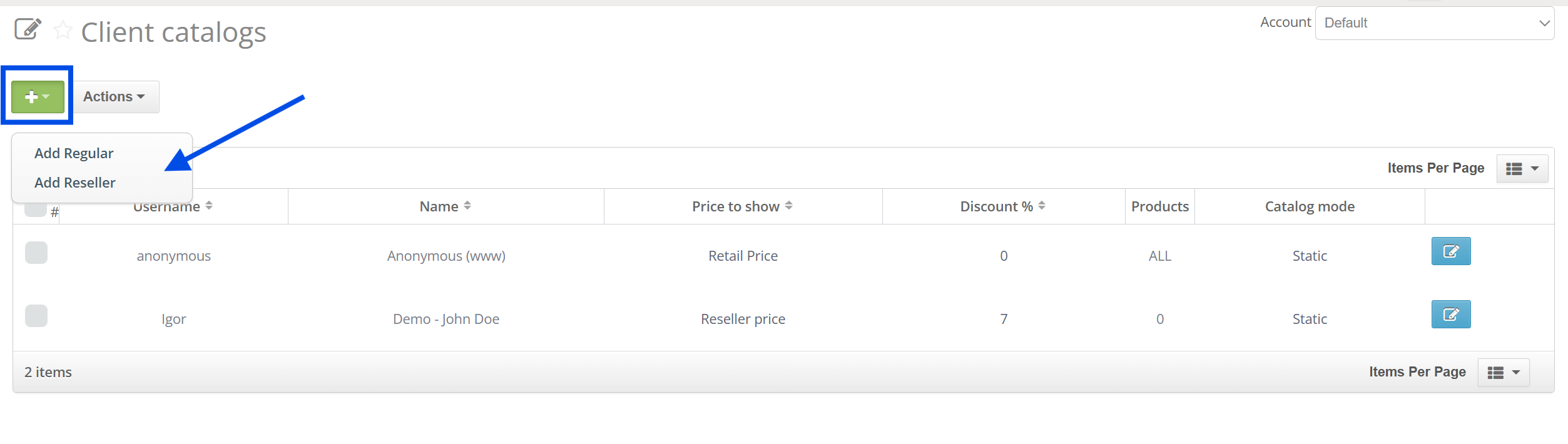
Here you can add the client by clicking the "+" button:
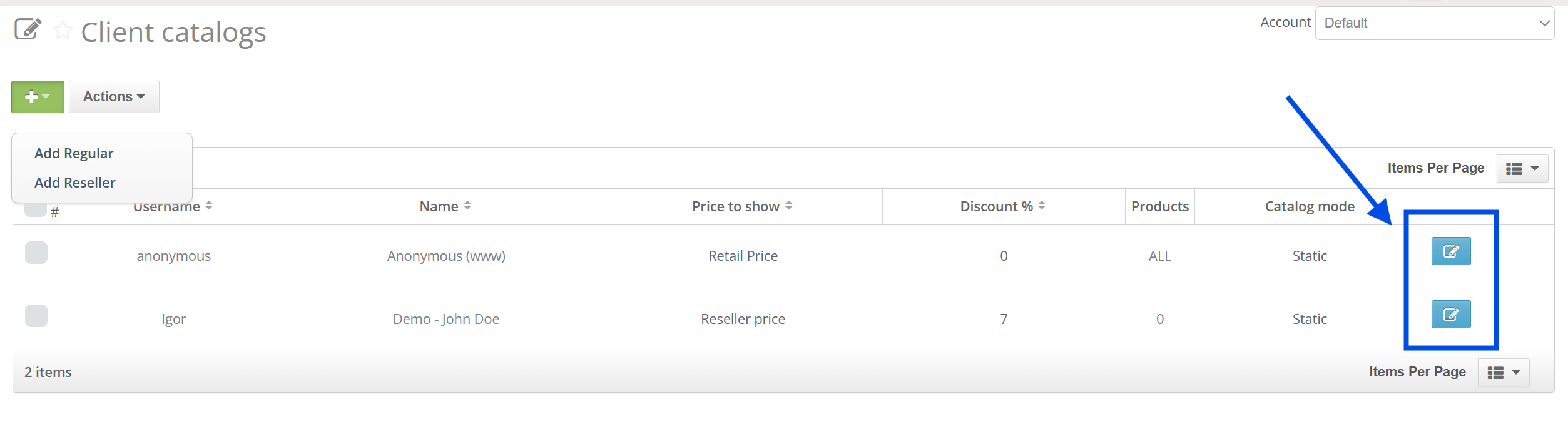
and edit your client catalogs:
Anonymous Client Catalog
Anonymous catalog defines the behavior of VSite before the visitor logs in.
If there are multiple VSites in account, each VSite can have his own Anonymous Client catalog.
To select the anonymous client you want to use for your VSite acoount navigate to VSite Settings → Basic → Other and select the relevant Reseller-type client: 

Client & Catalog
Another way to add the client is through the Client List.
Navigate to Orders → Clients List → "+" Button → Add Reseller

Client Information
| Name | A client's name in Valigara. |
| Username | Is used to access the catalog. |
| Password | Is known to Valigara user and client. |
| Company | A client's company. |
| Email | A client's email, can be used in email campaigns. |
| Phone, Country, Addres | Client's phone, country, address - used for shipping. |
| Comments | Help you remember all important details about client, comments are not shown to the clients. |
| Emails of contact person | Extra emails for communication. |
| Description | Extra details. |
| Not in mailing list | To deactivate any email campaigns for client. |
| Created | When was created. |
| Tags | Can be used for filtering. |
Client Settings
| Discount, % | How much to decrease the value of price field value of the catalog for the client. |
| Price to show | Which price field to use for the client in the catalog. |
| Currency | Your preferred currency. The values are taken bare from the price value field. Construct additional fields to recalculate prices based on currency rate. |
| Payment terms | Comments on client's preferred payment. |
| Show search | Whether to show the search engine on Catalog. |
| Show all products | Whether to show all products to client, otherwise use "Client Catalog" to define what products to show. |
| Disable submit order for resellers | Prevents the Client from creating an order directly from VSite. |
Was this article helpful?
That’s Great!
Thank you for your feedback
Sorry! We couldn't be helpful
Thank you for your feedback
Feedback sent
We appreciate your effort and will try to fix the article